
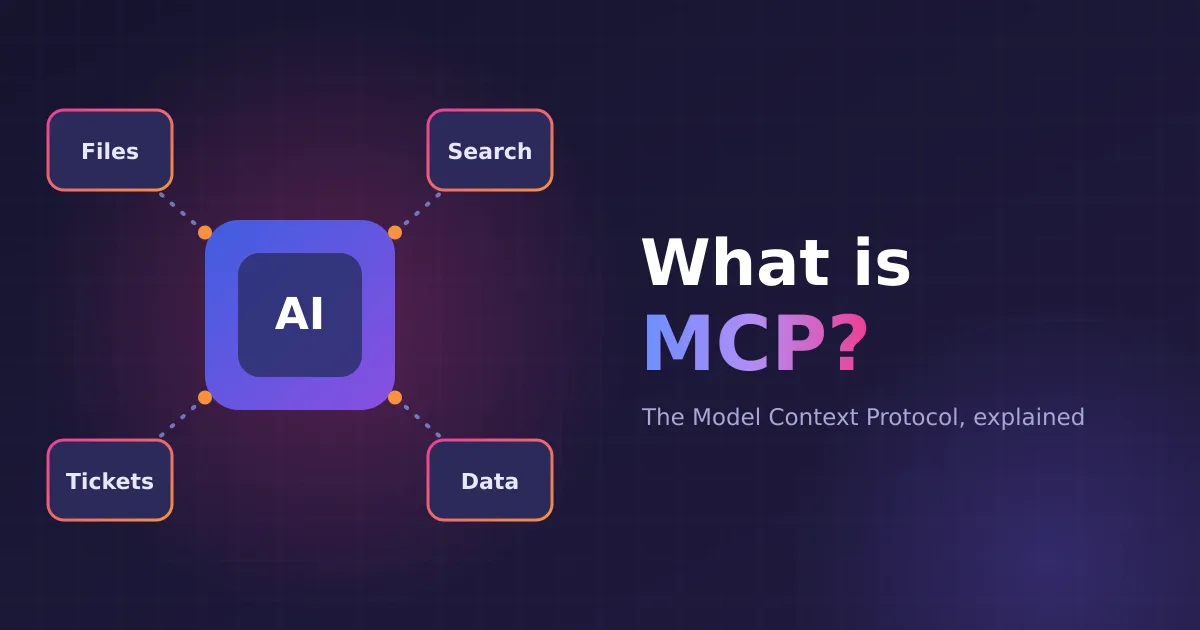
On its own, a language model can only write text. It can’t look up today’s orders, search your wiki or create a ticket. To do that, it needs tools, and someone has to connect each tool to each AI app. MCP (the Model Context Protocol) is an open standard that makes this connection the same everywhere. Anthropic introduced it in late 2024, and it is now supported by many AI apps and tools.
A common way to picture it: MCP is like a USB-C port for AI. Build a tool once as an MCP server, and any app that speaks MCP can use it.
The problem it solves
Without a standard, every app needs its own code for every tool. Ten apps and ten tools means up to a hundred separate integrations, each built and kept up to date on its own. With MCP, each app implements the protocol once and each tool implements it once. Ten plus ten instead of ten times ten.
The three parts
- Host: the AI app people use, such as a chat app or a code editor.
- Client: the connection inside the host that talks to one server.
- Server: a small program that offers capabilities to the model. It can run on the same server or anywhere on the network.
A server can offer three kinds of things:
| Capability | What it is | Example |
|---|---|---|
| Tools | Actions the model can call | Search tickets, run a query, send a message |
| Resources | Data the app can read | A file, a database record, a document |
| Prompts | Ready-made instructions | “Summarize this pull request” |
Messages use JSON-RPC, a simple JSON request and response format. A local server usually talks over standard input and output; a remote one over HTTP (the “streamable HTTP” transport).
How a tool call works
- Connect and list. The app connects to the server and asks which tools it has. Each tool comes with a name, a plain-language description and a schema for its inputs.
- Offer. The app passes those tool descriptions to the model with the user’s message.
- Decide. If a tool would help, the model replies with a tool call instead of text, for example
search_ticketswith{"status": "open"}. - Run. The app sends the call to the server, which does the work and returns the result.
- Answer. The result goes back to the model, which uses it to write the reply, or calls another tool first.
The model never touches your systems directly. The app stays in the middle and decides what runs.
Using MCP safely
- The model needs tool support. Not every model or engine can call tools. Choose one trained for it.
- Connect only servers you trust. Whatever a tool returns is read by the model, so a dishonest server or a poisoned web page can try to steer it (this is called prompt injection).
- Give the least access needed. A read-only key is safer than an admin one, and keys should be stored encrypted.
- Keep people in control. Let users choose when tools are on, and be careful with tools that change or delete things.
MCP in pAIring
pAIring is an MCP host. An admin adds MCP servers under Admin settings > MCP servers (streamable HTTP), tests the connection, and stores any API key encrypted. A switch in Admin settings > System turns MCP on or off for everyone. Users then turn tools on per chat. Tools work with Matricxon and llama.cpp, so a private model on your own hardware can look things up and take actions while your data stays with you.