
How much RAM do you need to run an LLM?
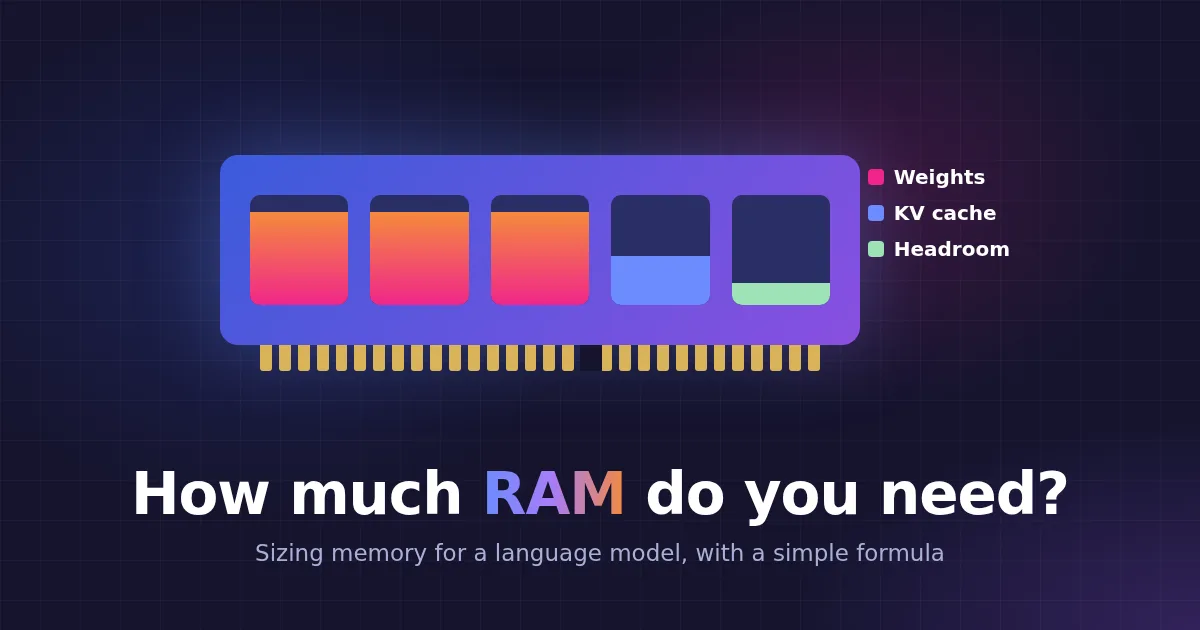
It is the first question anyone asks before running a language model on their own hardware, and the answer is easier than it looks. RAM goes to three things: the model weights, the chat’s memory (the KV cache) and headroom for everything else. Add them up and you know whether a model fits.
The short answer
| Model size | Typical file (Q4_K_M) | Comfortable RAM | Good for |
|---|---|---|---|
| 1B | about 0.8 GB | 4 to 8 GB | Simple tasks, autocomplete, routing |
| 3B to 4B | about 2 to 2.5 GB | 8 GB | Everyday chat on a laptop |
| 7B to 8B | about 4.5 to 5 GB | 16 GB | Solid all-round assistant |
| 14B | about 9 GB | 24 to 32 GB | Better reasoning and code |
| 30B to 32B | about 19 to 20 GB | 32 to 48 GB | Close to hosted-model quality on many tasks |
| 70B | about 42 GB | 64 GB, 96 GB to be safe | Large-model quality, slow on a CPU |
“Comfortable” means the model, an 8K chat context and the operating system all fit, with no swapping. Read on for where these numbers come from, so you can size any model.
Part 1: the weights
The weights are the model itself, and they take the most space. The formula is:
Weights in GB ≈ parameters in billions × bits per weight ÷ 8
The bits per weight depend on the quantization, the way the GGUF file compresses the numbers:
| Format | Bits per weight | 8B model | Quality |
|---|---|---|---|
| F16 | 16 | about 16 GB | Original |
| Q8_0 | about 8.5 | about 8.5 GB | Practically the same as the original |
| Q6_K | about 6.6 | about 6.6 GB | Very close to the original |
| Q5_K_M | about 5.7 | about 5.7 GB | Excellent |
| Q4_K_M | about 4.8 | about 4.9 GB | The usual sweet spot |
| Q3_K_M | about 3.9 | about 3.9 GB | Noticeably weaker |
Q4_K_M is the right default for most models: about a quarter of the original size, with little quality loss. Small models, under about 3B, deserve Q5 or Q6, because every bit counts more for them. Below Q3, quality drops fast. There is more on how these formats work in What is dequantization?
The size of the GGUF file is a good first estimate of the RAM its weights need, since the file holds them in the same packed form.
Part 2: the KV cache
While a model reads your conversation, it keeps a key and a value for every token in every layer. This is the KV cache, and it grows with the length of the chat:
KV cache per token = 2 × layers × KV heads × head size × bytes per number
For Llama 3.1 8B (32 layers, 8 KV heads, head size 128) at 16-bit precision, that is 2 × 32 × 8 × 128 × 2 bytes = 128 KB per token. So:
| Context | KV cache for an 8B model |
|---|---|
| 4K tokens | about 0.5 GB |
| 8K tokens | about 1 GB |
| 32K tokens | about 4 GB |
| 128K tokens | about 16 GB |
Two things follow from this:
- A huge context window costs real memory. A model that supports 128K tokens does not need to use them. A 4K to 8K window is plenty for most chats.
- Every active conversation has its own cache. Ten users chatting at once means ten caches. This is where servers for teams need extra RAM.
Some newer models, with linear-attention or state-space layers, keep a fixed-size state instead of a growing cache, so long chats cost them much less.
Part 3: headroom
The operating system, the rest of your software and the engine itself all need memory too. Plan for 2 to 4 GB on a server and more on a desktop with a browser open.
Above all, never let a model spill into swap. A model that does not fit in RAM does not get a bit slower. It slows to a crawl, because every new token reads nearly all the weights again.
Putting it together
Running Llama 3.1 8B at Q4_K_M with an 8K context:
- Weights: about 4.9 GB
- KV cache: about 1 GB
- Headroom: about 2 to 3 GB
That is about 8 to 9 GB, so a 16 GB machine runs it comfortably, with room for a second chat or a small embedding model next to it. An 8 GB laptop would be tight, and a 3B or 4B model is the better choice there.
Mixture-of-experts models
A mixture-of-experts model, such as a 30B model with 3B active parameters, uses only a few of its experts for each token. That makes it fast like a small model, but it still needs RAM for the whole file. If you have the memory but want speed, it is often the best choice on a CPU.
What about GPUs?
The same sums apply to VRAM: the weights and the KV cache must fit on the card. A 16 GB GPU fits an 8B model at Q8 or a 14B model at Q4 with a modest context. For when a GPU is worth it at all, see CPU vs GPU.
How Matricxon helps with memory
Matricxon is built to make the most of the RAM you have:
- It tells you before you load.
POST /api/showreturnsestimated_ram_gbfor any installed model, so you can check that a model fits before anyone chats with it. See the API reference. - It never pushes you into swap. A model that would not fit in free RAM, with a safety margin of 20% by default (
MATRICXON_MEMORY_SAFETY_MARGIN), is refused instead of loaded. - Weights stay packed. By default, Matricxon multiplies the compressed weights directly, with no unpacked copy in RAM. Ministral 3B in Q4_K_M needs about 2.6 GB this way instead of about 7.5 GB.
- A budget for chat caches. Each model keeps a few conversations’ caches in RAM (4 by default) within a memory budget (2 GB by default). Older ones are saved to disk, encrypted, and load back when the chat continues. See the prompt cache docs.
- Idle models unload. Only two chat models stay loaded at once by default, and a model that nobody uses unloads after a while.
Quick checklist
- Start from the file size of the GGUF you want.
- Add the KV cache for your context, times the number of chats at once.
- Add 2 to 4 GB of headroom.
- If the total is close to your RAM, pick a smaller model or a smaller quantization, not a bigger swap file.
To try it on your own hardware, start with the Matricxon quick start, or run it with pAIring for a complete chat workspace for your team.